Knowledge bases (RAG)
A knowledge base lets an agent answer from your content — product docs, FAQs, policies, price lists — instead of relying only on the language model's training. Telenow embeds the documents you add and, at call time, retrieves the most relevant passages and feeds them to the model before it answers. This is retrieval‑augmented generation ("RAG"): the agent stays grounded in your facts and is far less likely to make things up.
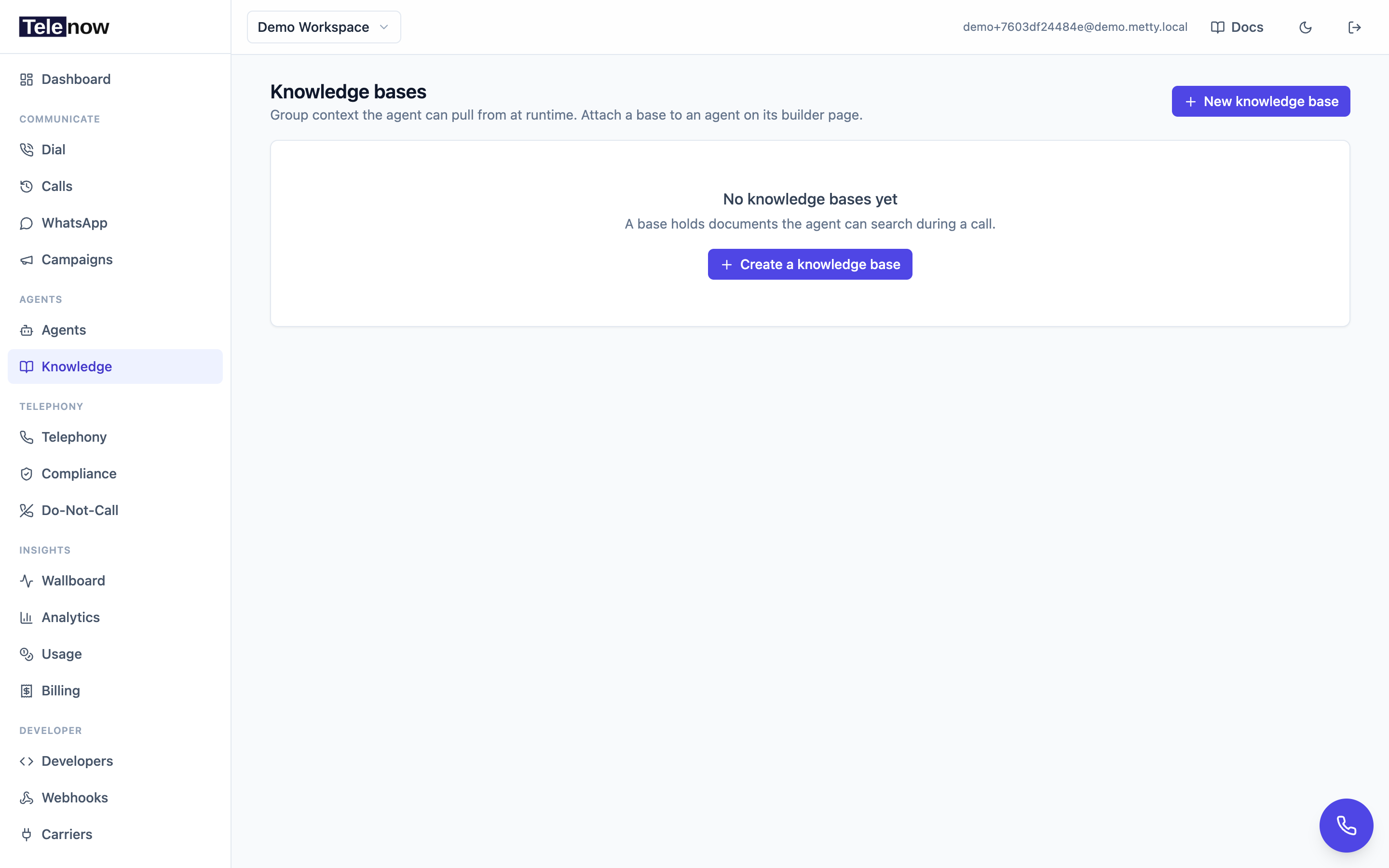
The Knowledge page — create a base, add documents (paste, upload, or URL), then attach the base to an agent so it can search them during a call.
How it works
- You create a knowledge base and add one or more documents.
- Each document is split into ~500‑token chunks and turned into vector embeddings (OpenAI
text-embedding-3-small, 1536 dimensions) in the background. The document's status flips from pending to embedded (or failed) when that finishes. - You attach the base to an agent.
- On every user turn of a call, the agent embeds what the caller just said, finds the 3 most similar chunks across the attached bases (cosine similarity), and inserts them into the prompt as a hidden grounding note immediately before the model answers.
Because retrieval runs per turn, the agent always pulls context relevant to the current question rather than stuffing the whole document into the prompt once.
Who can manage knowledge bases
Access follows your workspace role:
| Action | Required role |
|---|---|
| View bases and documents | Any member (owner, admin, developer, viewer, member) |
| Create a base | owner, admin, or developer |
| Add / upload / ingest a document | owner, admin, or developer |
| Delete a document | owner, admin, or developer |
| Attach / detach a base to an agent | owner, admin, or developer |
| Delete a knowledge base | owner or admin only |
If your role is too low, the New knowledge base and Add document buttons are disabled with a tooltip explaining what's needed. Viewers and members can read but not change anything.
Creating a knowledge base
- Go to Knowledge in the sidebar.
- Click New knowledge base.
- Give it a clear Name (for example "Support FAQ" or "Product catalog") and an optional Description of what it holds.
- Click Create.
A workspace can have as many knowledge bases as you like — keep them topical (one for billing, one for product specs, one for policies) so retrieval stays sharp.
Adding documents
Open a knowledge base from the list, then click Add document. The dialog has three tabs:
Paste text
Type or paste the content directly. A Title and Body are both required. Good for short FAQs, snippets, or content you've copied from elsewhere.
Upload a file
Pick a file and click Add document. The text is extracted on the server and embedded.
| Property | Value |
|---|---|
| Accepted types | .pdf, .docx, .txt, .md, .csv |
| Maximum size | 20 MB |
| Title | Optional — defaults to the file name (without extension) |
PDFs and Word files have their text extracted automatically. Scanned/image‑only PDFs have no extractable text and will be rejected with "could not extract text from the file" — run them through OCR first.
From a URL
Paste a public https:// page URL and click Add document. Telenow fetches the page, strips it to readable text (scripts, styles, and markup removed), and embeds it.
| Property | Value |
|---|---|
| Scheme | https:// only — http:// and private/internal addresses are blocked |
| Redirects | Not followed (a security measure against redirect‑based attacks) |
| Content types | HTML, plain text, or markdown pages only |
| Maximum size | 5 MB of fetched content |
| Title | Optional — defaults to the page's <title>, then the last URL path segment |
The URL is fetched once at ingestion time; the document is a snapshot. If the page changes later, re‑ingest it to refresh.
After you add a document
Each new document starts as pending and embeds in the background — large documents take a few seconds to a minute to become searchable. The document list re‑checks every 5 seconds while anything is pending, so you'll see the status flip to embedded without refreshing.
| Status | Meaning |
|---|---|
| pending | Queued or in progress — not yet searchable |
| embedded | Chunked and embedded — live for retrieval |
| failed | Embedding failed (for example a missing/invalid embeddings key, or a network blip). The error is shown next to the status. Delete and re‑add the document to retry. |
Attaching a base to an agent
A knowledge base only affects agents it's attached to — creating documents alone does nothing until you wire the base to an agent.
Tick the bases you want on the agent builder's Knowledge step (or Global settings → Knowledge in the flow builder). Attachments are applied when you save or publish.
For the API, see Knowledge bases API.
You can attach the same base to several agents, and attach several bases to one agent — at call time the agent searches across all of them together. On the agent's call‑flow view a Knowledge node appears listing every base attached to that agent.
Limiting an agent to some of the documents
An attached base gives the agent every document in it, including ones you add later. That's usually what you want — but when one base serves several agents, it often isn't: a support agent and a sales agent can share a product base while only one of them should quote the internal pricing sheet.
On an attached base, click the All documents chip and switch to Choose documents. Everything is pre-selected, so the click alone changes nothing; untick what that agent shouldn't read.
Two things to keep in mind:
- A pinned base stops picking up new documents. Once you choose documents, anything added to the base later is not included until you tick it. The whole-base option exists precisely so a growing FAQ keeps working with no maintenance — prefer it unless you have a reason not to.
- Unticking everything doesn't detach the base. It leaves it attached but ignored, shown as No documents — this base is ignored. That state is also how a base ends up if you delete the last document it was pinned to. Untick the base itself if you meant to remove it.
In a flow agent, a step's own Knowledge base for this step override works the same way and composes with this one. A step can pick bases and documents, but only ever narrower than the agent: the agent's attachment is a ceiling the step selects within, so a base the agent isn't attached to retrieves nothing there, and a base the agent limited to three documents stays limited to those three inside the step — the step can narrow to one of them, not back out to nine.
That is what makes per-step knowledge useful: attach the whole support handbook to the agent, then have the refunds step read only the refund policy and the shipping step only the delivery terms, so neither one can wander into the other's documents mid-call.
What it costs
RAG adds an embeddings charge in two places, billed to your usage:
- Ingestion — a one‑time embedding charge per document when it's stored and becomes searchable (re‑embedding a document charges again).
- Per turn — every user turn of a KB‑attached agent embeds the caller's message to run the search, whether or not anything matches. This is small (the query is just one short string) but it does accrue across long calls.
Charges use the provider‑reported token count when available, otherwise a characters ÷ 4 estimate (flagged as estimated on the usage breakdown).
Tips
- Split content into focused documents — one topic each. Retrieval picks 3 chunks total, so a single giant file competes with itself; several tight documents retrieve more precisely.
- Use clear, self‑contained prose. Each chunk is retrieved on its own, so a passage that only makes sense with the heading two pages up won't carry that context. Repeat key nouns ("the refund window is 30 days") rather than relying on pronouns.
- Keep it current. Delete superseded versions so the agent doesn't surface stale facts. There's no edit‑in‑place — to update a document, delete it and add the new version.
- Tell the agent to use it. Pair the base with a system prompt instruction such as "Answer from the provided knowledge; if it isn't covered, say you don't know and offer to follow up." See Building agents and Context variables.
Troubleshooting
- A document is stuck on "failed". The most common cause is the embeddings provider key being unset or rejected. The inline error gives the reason; fix the key, then delete and re‑add the document.
- The agent ignores my knowledge. Confirm the base is attached to that specific agent, that the documents show embedded, and that your prompt actually points the agent at the knowledge. Also check the content really contains the answer — retrieval finds the nearest chunks, it can't invent missing facts.
- Retrieval seems to return nothing. RAG degrades gracefully: if the vector store (pgvector) is unavailable in your deployment, the call still proceeds, just without grounding. If you self‑host and never get retrieval, verify pgvector is installed. On Telenow Cloud this is always available.
- Deleting is permanent. Deleting a base or document is a soft delete with no recovery path in the dashboard — it stops appearing immediately and its chunks stop being searched. Deleting a base also removes all of its documents from retrieval.
For the full request/response reference, see the Knowledge bases API.